
In Ann Pregler’s post, you’ll see exactly how to create parameters, build calculated fields for each “zone” you want to grey out, design semi-transparent overlays, and apply the Dynamic Zone Visibility controls in your layout. If you’re someone who builds dashboards that aims to guide users rather than overwhelm them, this piece delivers a practical technique you can apply immediately!
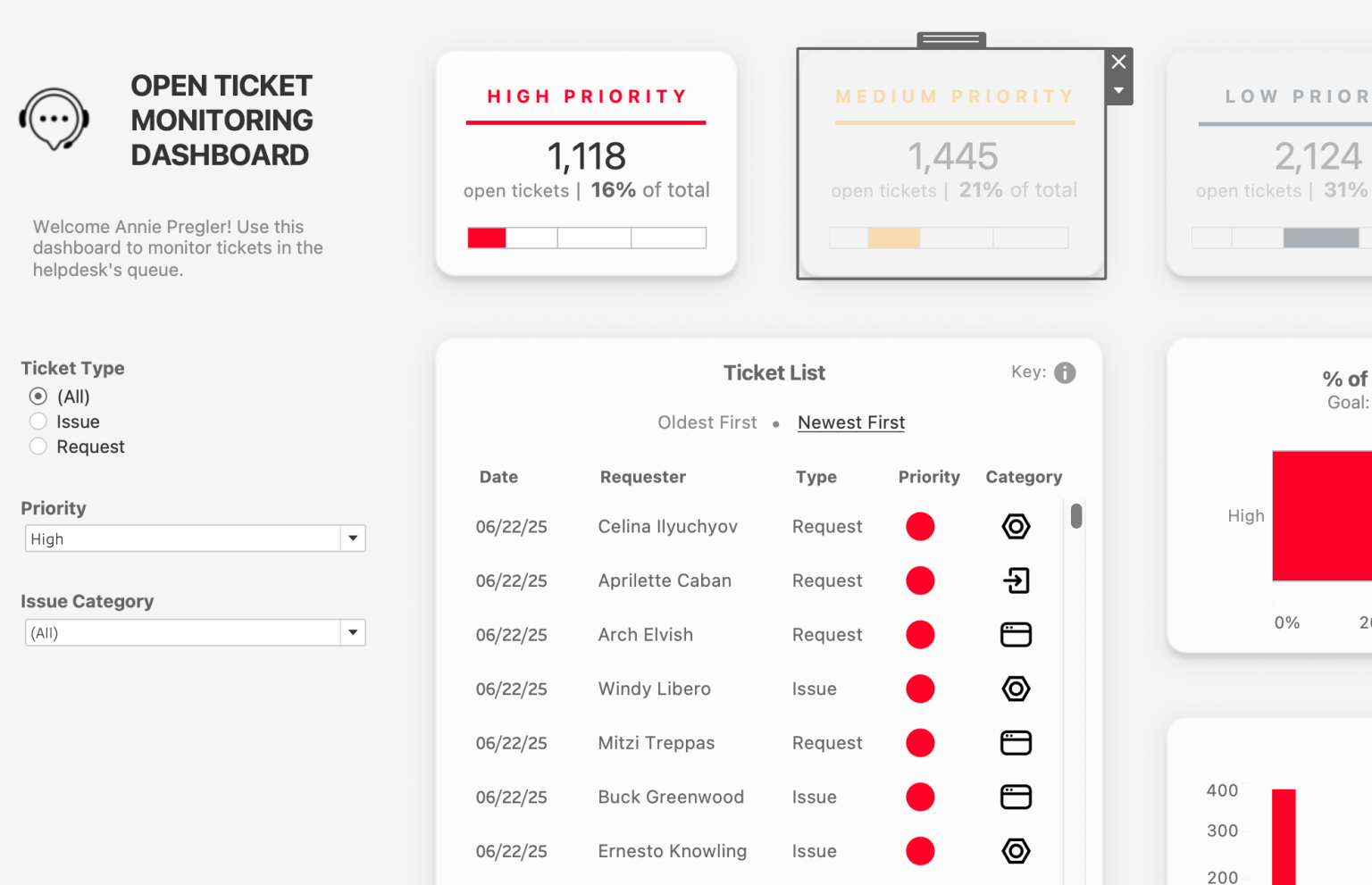

Tableau Training on
Tap Fast Track

Tableau Advanced Analyst

Tableau
Foundation

