
Eric Parker’s post (and YouTube video) not only highlights the user-experience gains of dynamic parameters (like reducing workbook maintenance and improving flexibility),but also shows you step-by-step how to set them up: creating a parameter from a field, configuring allowable values, setting defaults based on calculations, and building the related logic. Ever wished your dashboards could adapt in real time without you re-publishing every week? Eric’s read will get you moving in the right direction.
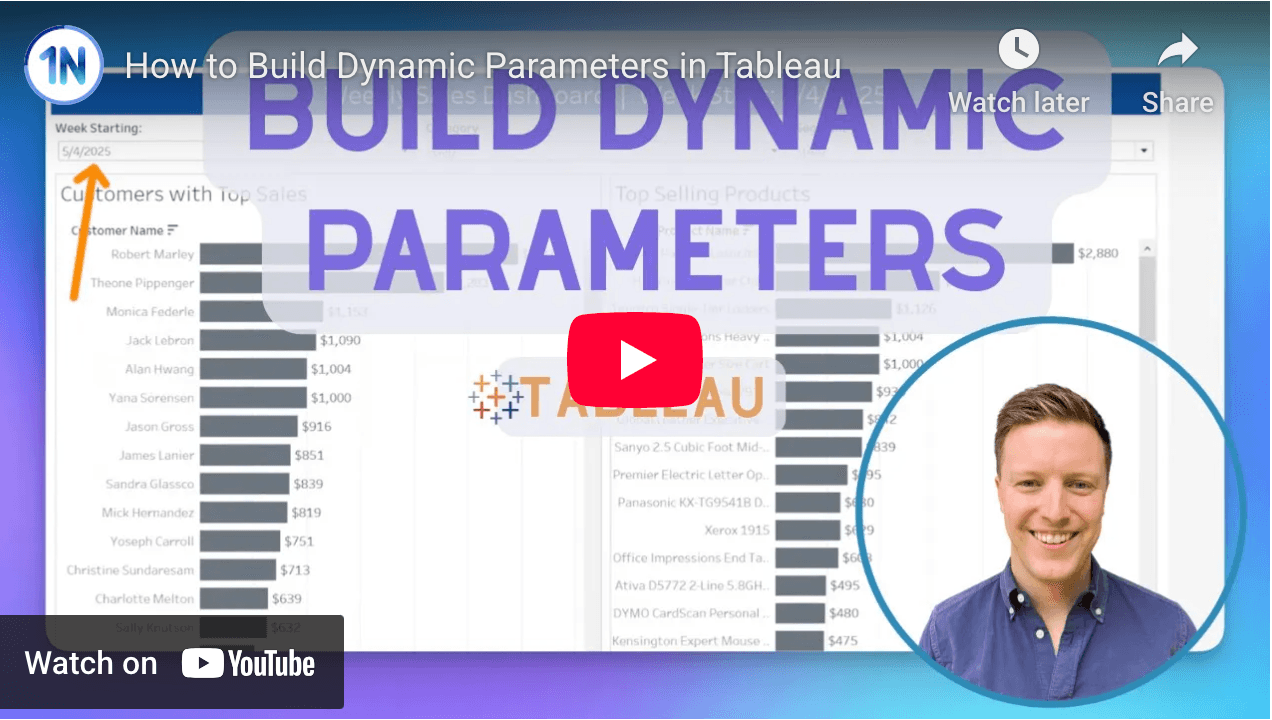

Tableau Training on
Tap Fast Track

Tableau Advanced Analyst

Tableau
Foundation

