
Here’s an uncomfortable truth many Tableau developers know all too well: no matter how polished your interactive dashboard is, there’s a good chance it will end up as a screenshot on slide 17 of a PowerPoint deck. In this blog, Rituparna Das leans into that reality and reframes it as a design challenge, sharing five non-negotiable principles she’s developed over six years in reporting and analytics. From designing in 16:9 from day one and building separate static views for each filter state, to using containers for export-proof layouts and applying clear naming conventions for version control, every tip is grounded in real-world experience. She also tackles the often-overlooked importance of branding, reminding us that a dashboard shared externally without warning is not a matter of if, but when. If you work in any executive-facing analytics role, this blog will change how you think about dashboard design from the ground up.
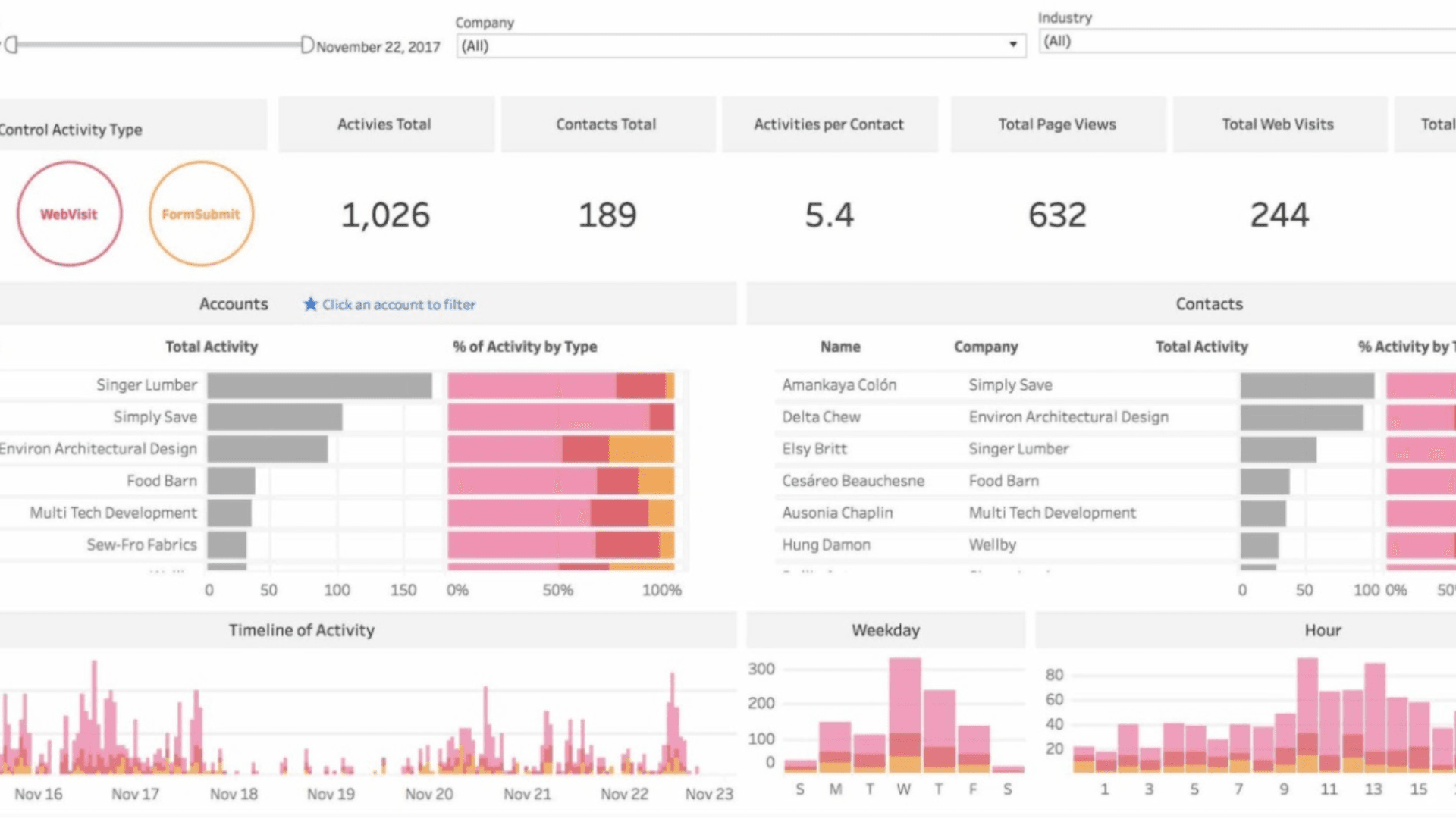

Tableau Training on
Tap Fast Track

Tableau Advanced Analyst

Tableau
Foundation

