
Ranking in Tableau is easy — but what about summing only a specific slice of that ranking, like products ranked 6 through 10, and displaying it as a single, accurate KPI? In this blog, Waqar Ahmed Shaikh tackles a deceptively tricky problem, unpacking why the obvious approaches fail and how Tableau’s order of operations is at the root of the issue. His solution uses a WINDOW_SUM with conditional RANK logic to include only the values you want, bypassing the limitations of traditional filters entirely. He then goes a step further, showing how to use INDEX() to collapse the result into one clean, dashboard-ready number. Whether you’re building executive scorecards or just want a deeper understanding of how Tableau handles table calculations, this is a genuinely useful technique to have in your armoury.
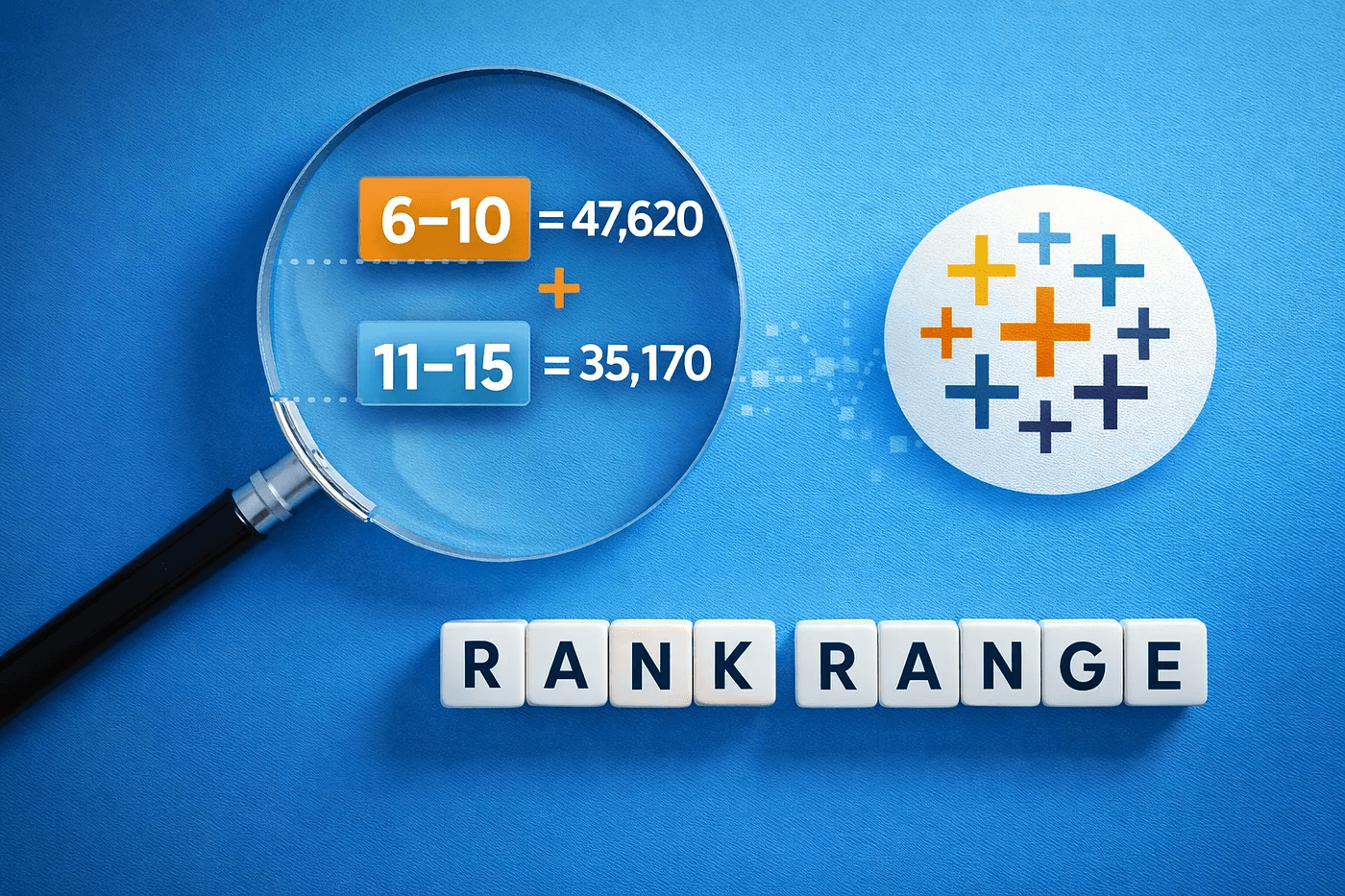

Tableau Training on
Tap Fast Track

Tableau Advanced Analyst

Tableau
Foundation

