
Kib Cheung shows you how to use Set Actions in Tableau to update visuals dynamically when users click on different parts of a chart. Learn how to build a bar chart, define a set, and link it to another chart so that when you make a selection, the second chart automatically shows the proportion that segment contributes. This technique is a clean, elegant way to explore contribution without losing the bigger picture.
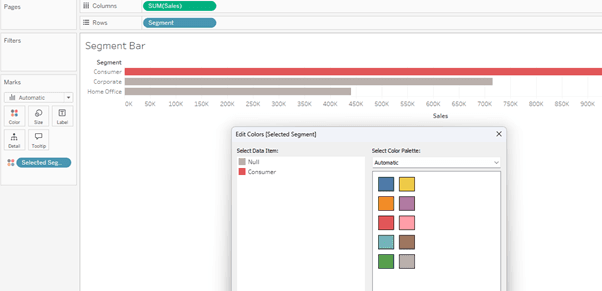

Tableau Training on
Tap Fast Track

Tableau Advanced Analyst

Tableau
Foundation

