TinyTableauTip – Prep Tips # 3
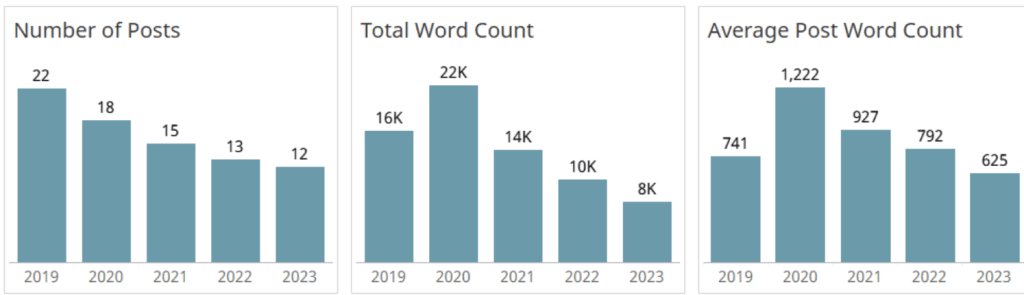
Tore Levinsen writes from a place of experience, not just theory: he reflects on teaching data literacy and working with the DataFam community, showing how cleaner, better-structured flows can improve…
Lindsay Betzendahl’s post empowers you to work smarter, not harder – showing how to expand your dashboard’s layout container hierarchy quickly (using a neat SHIFT+8 trick), reuse pre-formatted containers to
Stephanie Shorey-Roca post is a balance of diagnosis and action: it doesn’t just tell you what might be slowing things down, it gives you how to fix it – walking
Five Ways to Make Tableau Dashboards Run Faster (Part 1: Data and Query Tips) Read More »
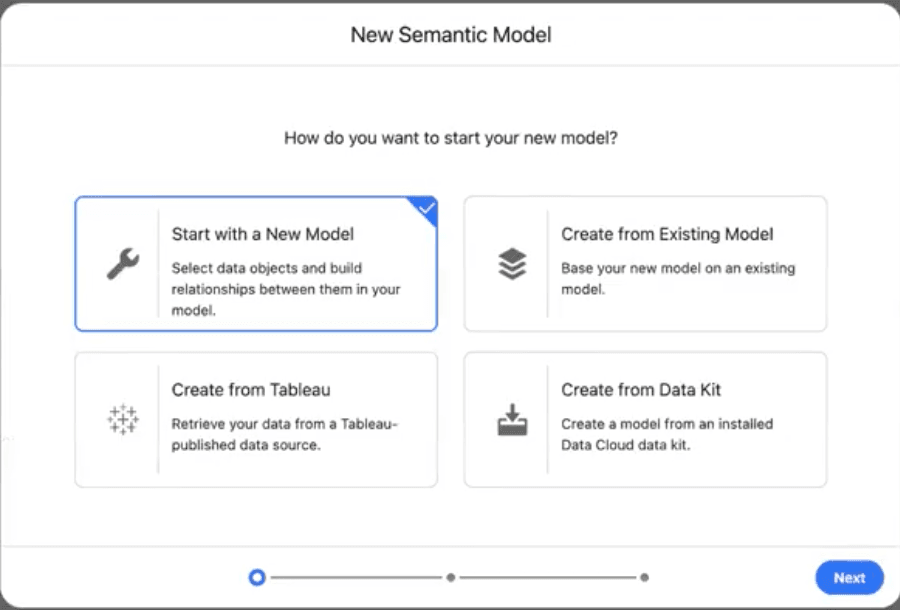
Olivia Grace Millar’s post mixes high-level insight with tangible steps: you’ll see how to add tables, union or join them in a logical view, create reusable objects and then link
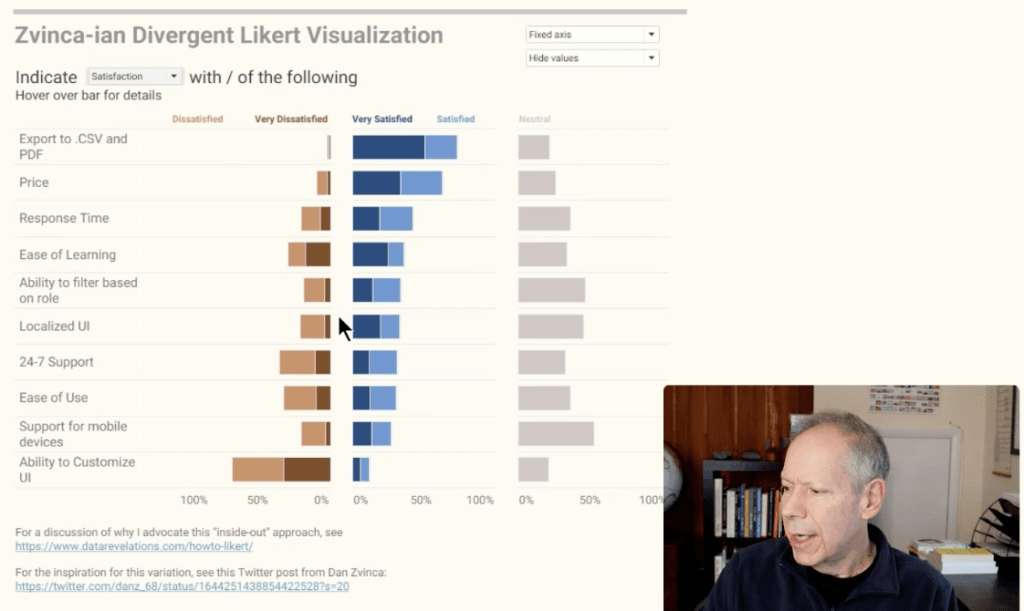
Francesca Plaskett’s article combines the “why” and “how”. You’ll get a clear rationale for using dynamic chart selection (e.g., cleaner dashboard space, making insights more discoverable) and a walk-through of
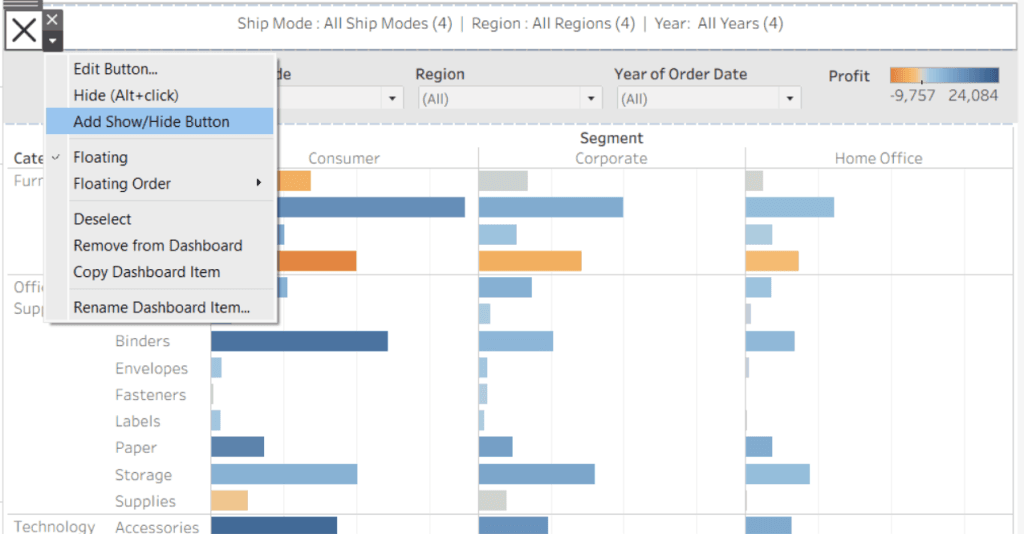
Could it be magic? No, just dynamic zone visibility Read More »
Eric Parker’s post (and YouTube video) not only highlights the user-experience gains of dynamic parameters (like reducing workbook maintenance and improving flexibility),but also shows you step-by-step how to set them
Find step-by-step instructions, by Shreya Arya, to set up a toggle parameter, create boolean calculated fields, decide when to duplicate sheets vs when you can reuse one with conditional formatting,
Kyle Massey dives into the Recycle Bin feature in Tableau, explaining how on the surface it looks like a simple safeguard – deleted content can be restored, but in practice
Recycle Bin for Tableau: Soft Deletes, Big Implications Read More »
In Ann Pregler’s post, you’ll see exactly how to create parameters, build calculated fields for each “zone” you want to grey out, design semi-transparent overlays, and apply the Dynamic Zone