
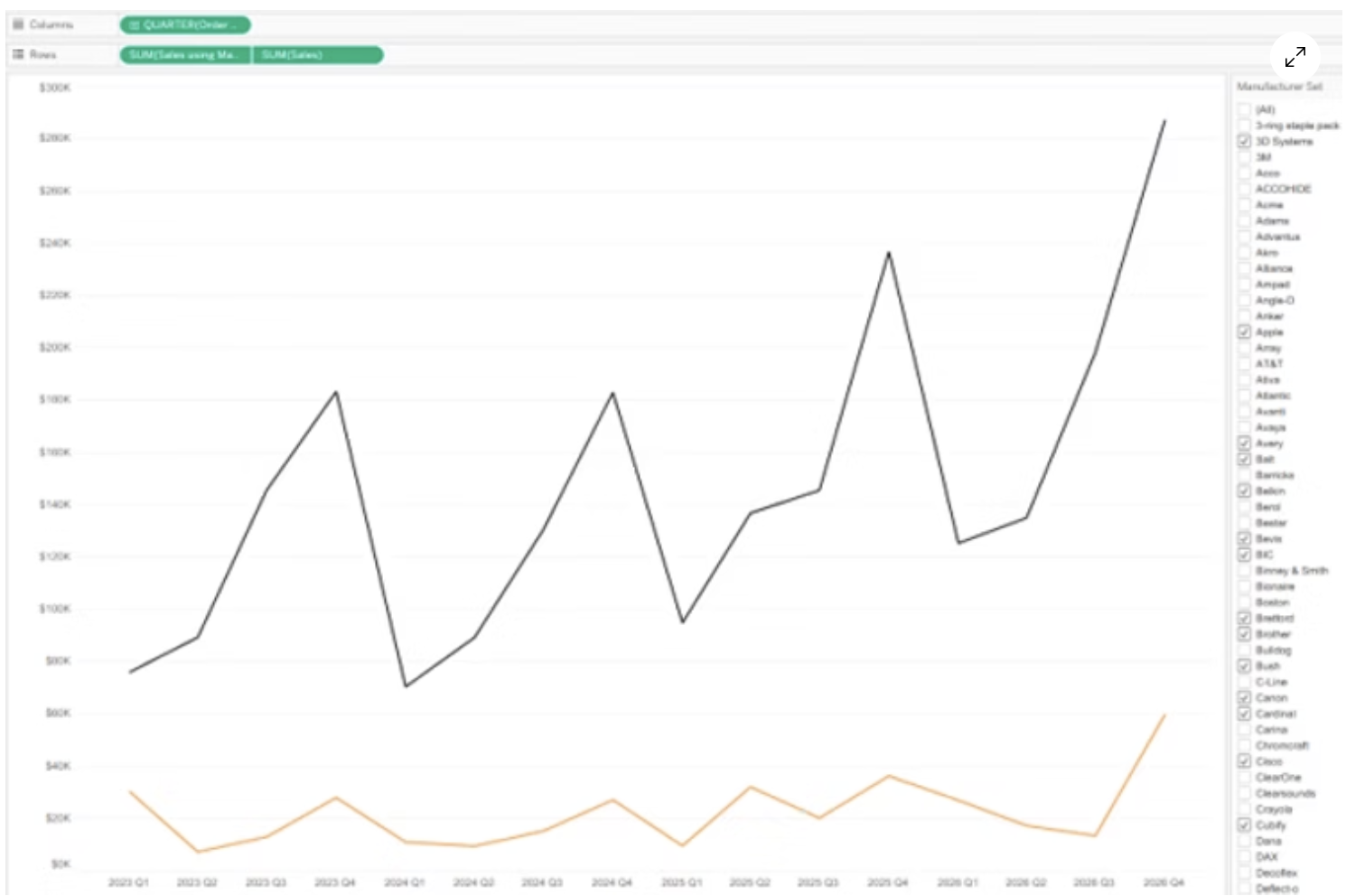
Eman Alvani was asked for a chart that takes any measure and shows two lines: the overall trend across the date range, and a dynamic line for whichever single value or cohort the user picks. Both on the same axis, for comparison. The catch is that a normal filter on line two changes line one as well. Eman tried LODs and sets before a tip from Kevin Flerlage pointed to set controls: a set, the set as the filter, and a calculation that keeps the overall line untouched. He walks through the build step by step. A neat pattern for any benchmark-versus-selection view.
Comparable Analysis with Filter-Specific Dual-Axis Line Charts in Tableau
Want to Get Latest Updates and Tips on Tableau Bites Blogs?

Tableau Training on Tap Fast Track

Tableau Training Analyst

Tableau Training Foundation
