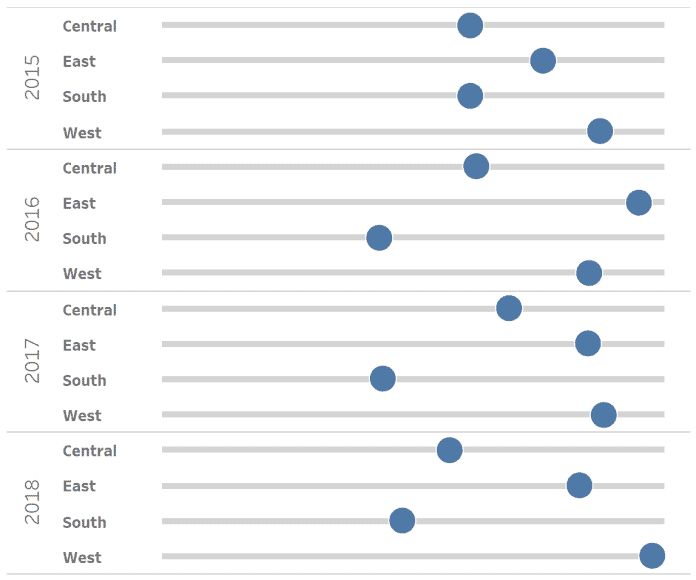
TABLEAU QT: VOLUME DIAL CHART IN TABLEAU
The Tableau Magic continues to spread from Toan Hoang as he shows you how to create a volume dial chart in Tableau. Volume dial charts are great for showing which…

The Tableau Magic continues to spread from Toan Hoang as he shows you how to create a volume dial chart in Tableau. Volume dial charts are great for showing which…
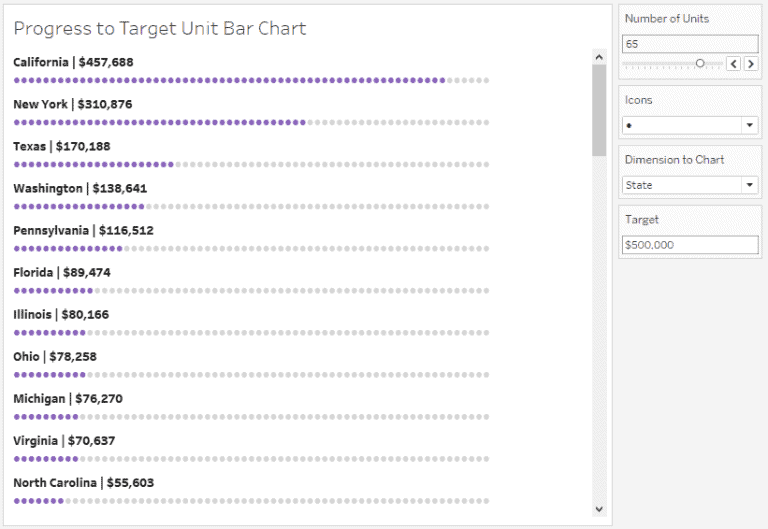
Adolfo Hernandez demonstrates how to create unit bar charts that don’t look like bar charts. Adolfo uses Parameters and calculations to create a unit bar chart which shows which US
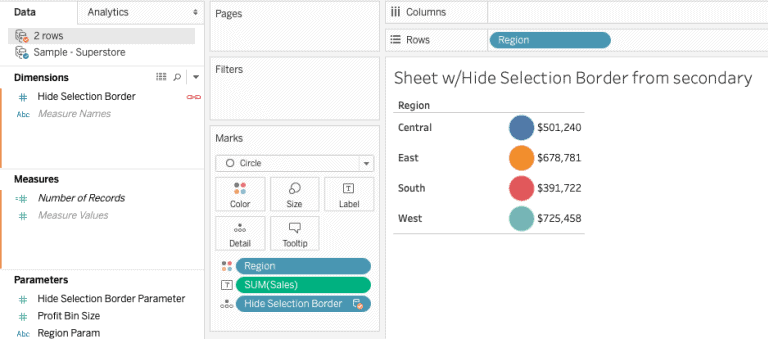
From the Zen Master Hall of Fame, Jonathan Drummey shows you how to hide Selection Borders in Tableau, using both Parameter and Highlight Actions. This tip is great for allowing
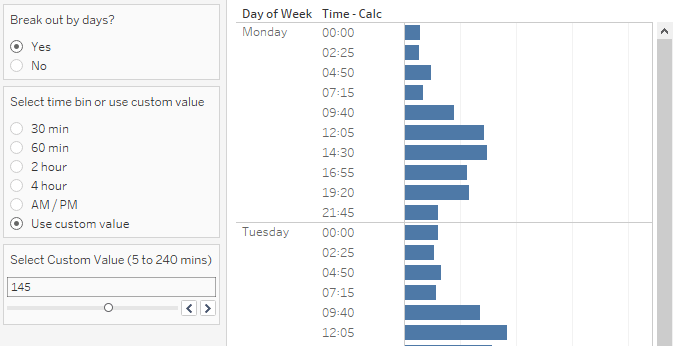
Advanced Tableau users! Marc Reid has you covered as he explains how you can group timed data using Custom Time Bins. Working with timed data can be challenging in Tableau
Grouping Data into Custom Time Bins By Marc Reid Read More »
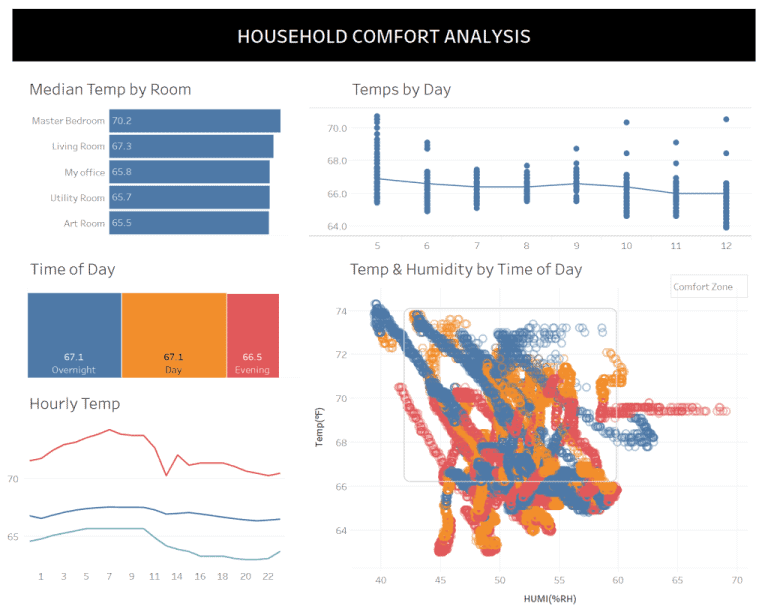
It’s not often we have three Zen Masters in one edition of Tableau Bites, but we do and Bridget Cogley has five secrets to share with you on improving colour
COLOR ME SHOCKED: 5 SECRETS TO IMPROVE COLOR USE IN YOUR TABLEAU DASHBOARDS Read More »
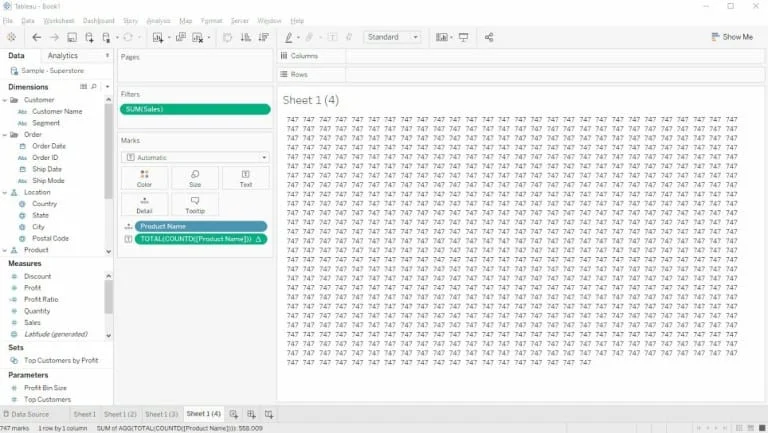
Hanna Nykowska from The Information Lab has a Tableau tip up her sleeve in the form of the INDEX trick, which is using the INDEX() function as a filter. This
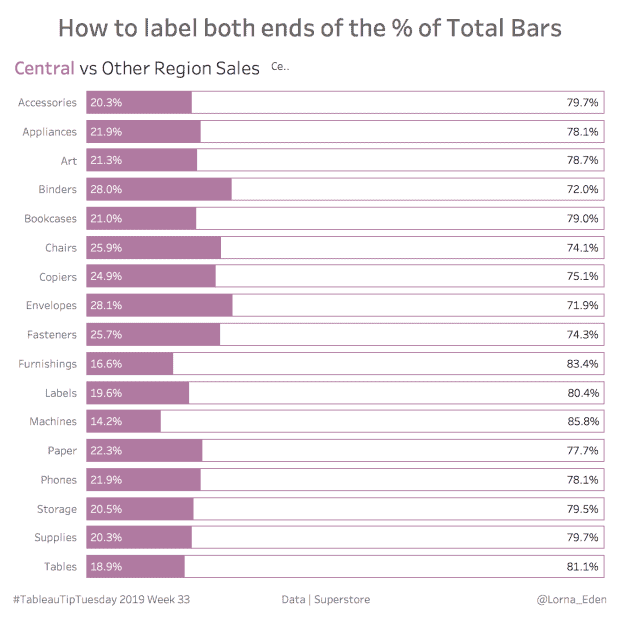
Lorna Eden demonstrates how you can label both end of the % of total bars in a bar chart. Labelling both ends of the total bars using a % of
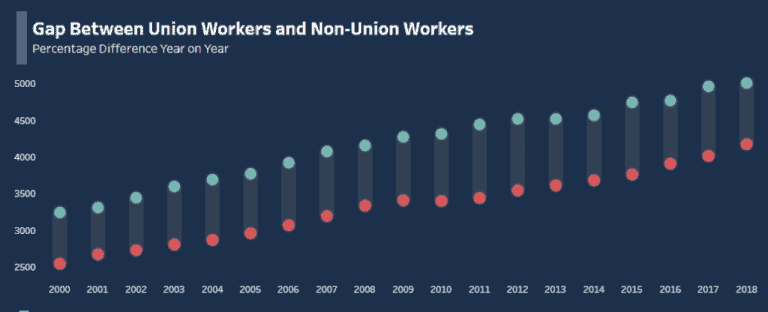
Kicking off the first Tableau Bites of the new decade is Christopher Marland from The Information Lab’s Data School as he demonstrates how to make a span chart in Tableau.
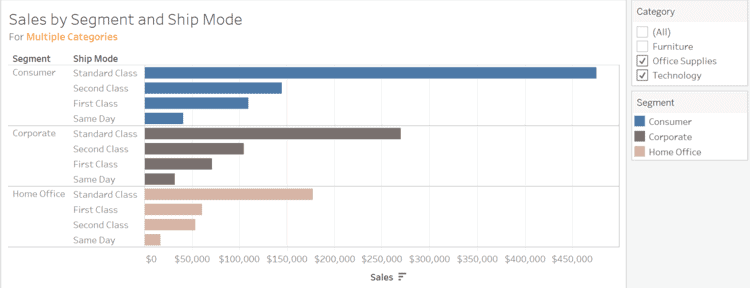
OneNumber’s Eric Parker explains how to create a subtitle in Tableau that highlights which fields have been filtered in your dashboard. This is useful if you have created a dashboard
HOW TO CREATE A SUBTITLE IN TABLEAU THAT HIGHLIGHTS WHICH FIELDS HAVE BEEN FILTERED Read More »
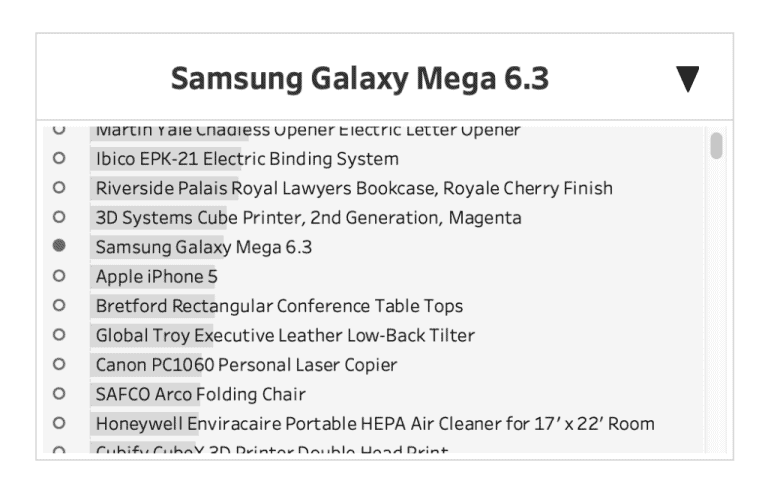
For the advanced Tableau user, 2019 IronViz runner-up participant Lindsey Poulter focuses on how you can create a custom dropdown in Tableau that uses both Parameter Actions and Show/Hide Container.
Custom Dropdown with Parameter Actions & Show/Hide Container By Lindsey Poulter Read More »
